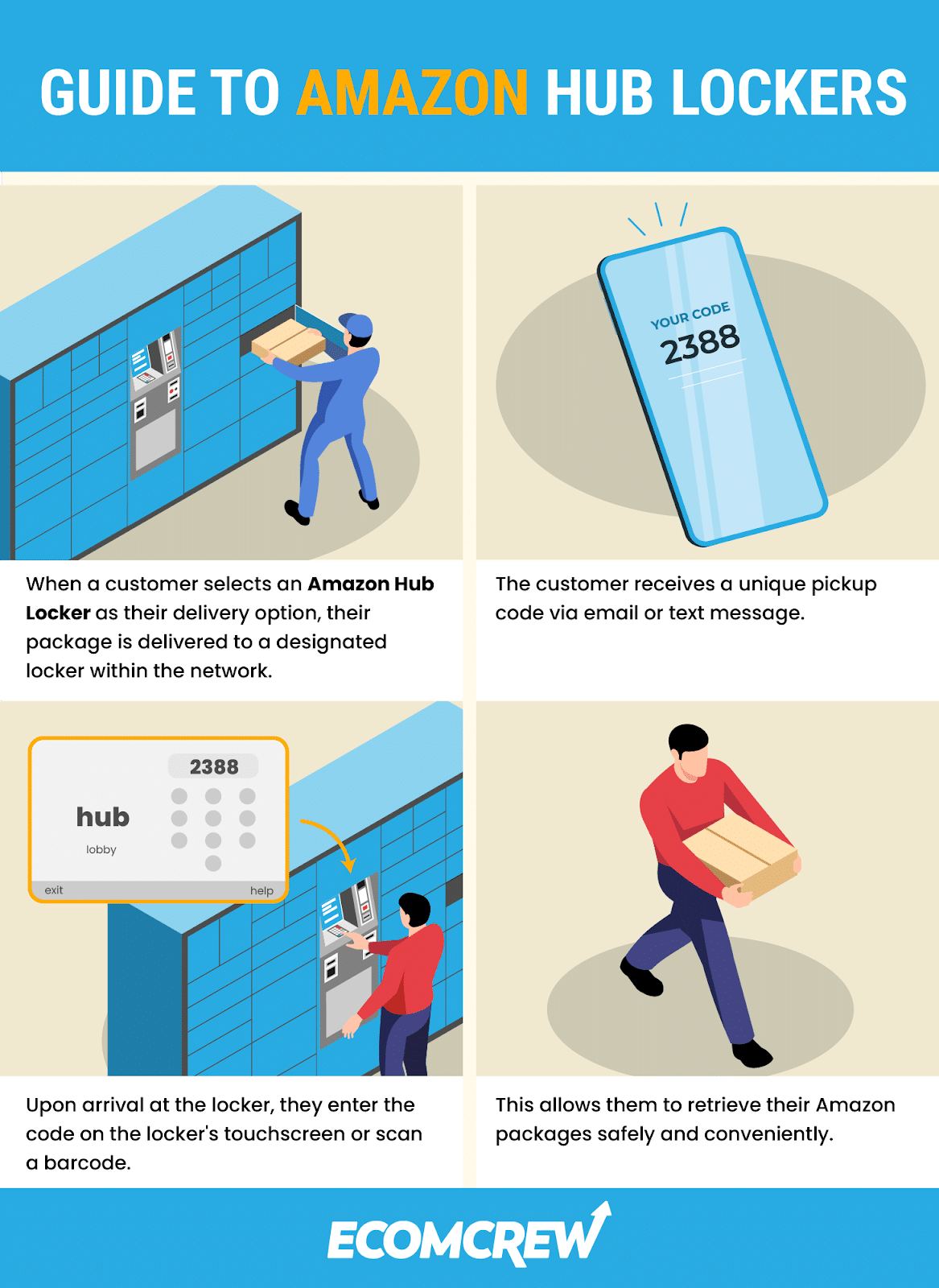
The moment the delivery driver secures your carton inside a metal compartment, Amazon updates your tracking feed and sends a delivery notification containing arrival instructions. You do not need physical keys. The secure self-service kiosk relies entirely on digital authentication.
Shoppers have two primary ways to open their compartment:
Option 1: Digital Code and Barcode Scanner. Older and outdoor kiosks feature an integrated touchscreen and an optical scanner. Your notification email contains a unique 6-digit pickup code and barcode. Type the numerical sequence onto the touch screen or hold the barcode on your phone screen roughly four inches away from the red scanning beam. The latch clicks, the door springs open, and your item is ready to grab.
Option 2: Contactless Parcel Retrieval via the Amazon App. Modern installations roll out without physical touchscreens to reduce hardware wear and maintenance downtime. These units rely exclusively on Amazon app Bluetooth pickup. Stand within ten feet of the locker bank, open the Amazon mobile app, navigate to your order screen, and tap "Start Pickup." Your phone connects directly to the kiosk via low-energy Bluetooth. Tap "Open Door," and the motor releases the compartment lock instantly. Shut the door firmly after taking your package to close the loop on tracking.

