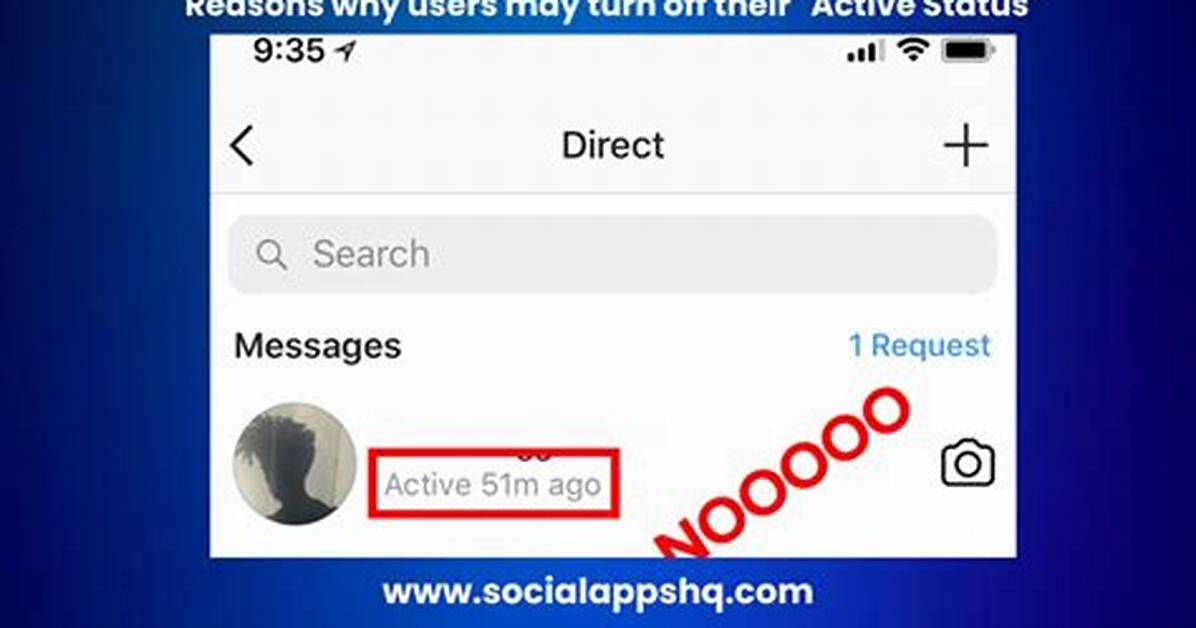
Disabling the show activity status setting solves only half the visibility equation. If someone sends you a message while you browse in stealth mode, opening that message traditionally stamps it with an indelible "Seen" indicator. The sender immediately deduces that you are online, rendering your disabled activity dot functionally irrelevant.
To build an authentic Instagram ghost mode, you must sever the read confirmation link. Within Settings and privacy, navigate back to Messages and story replies, locate Show read receipts, and toggle the setting off. You can apply this universally across your entire account or configure it on a per-chat basis by tapping an individual contact's name inside a conversation thread. With read receipts disabled, messages sit in an opened state on your end while displaying as unread delivery notifications to the sender.
True isolation also requires managing how easily peers can run into your account. To hide account discoverability, navigate to your account center and uncheck options that sync contact lists from your mobile phone or cross-reference your identity with Facebook accounts. Similarly, disabling the "Show account suggestions on profiles" toggle stops algorithms from recommending your handle to mutual acquaintances. Combined, these steps convert Instagram from a broadcast hub into a private, one-way reading terminal.

