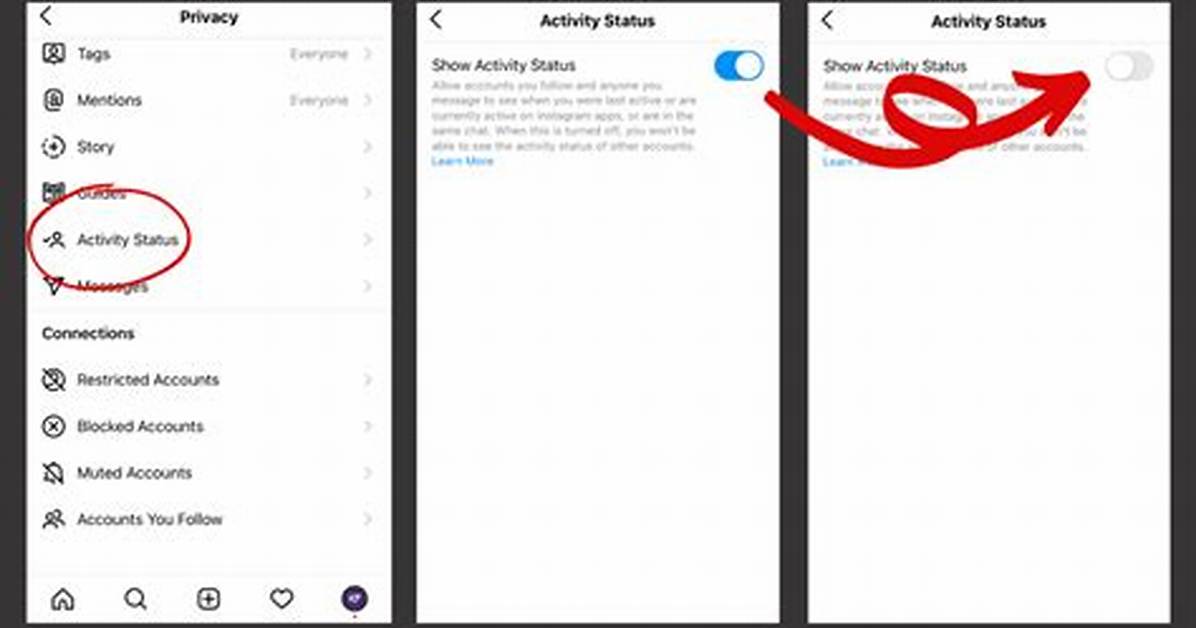
Recent updates to Instagram account privacy controls dismantled the classic settings layout. Finding the active switch used to take two taps; now it requires navigating Meta's reorganized account architecture. Here is the verified path across current iOS and Android builds:
- Open your profile and tap the three-line hamburger menu in the upper-right corner.
- Scroll down to the "How others can interact with you" section.
- Tap Messages and story replies.
- Select Show activity status near the bottom of the list.
- Toggle off the primary show activity status toggle switch.
Inside this submenu, you will notice a secondary control labeled show when you're active together. This sub-toggle specifically governs whether people in the same direct message thread can see when both of you are actively viewing that shared chat window. Disabling the master toggle automatically turns off this concurrent presence feature, shielding your specific reading sessions from mutual view.

