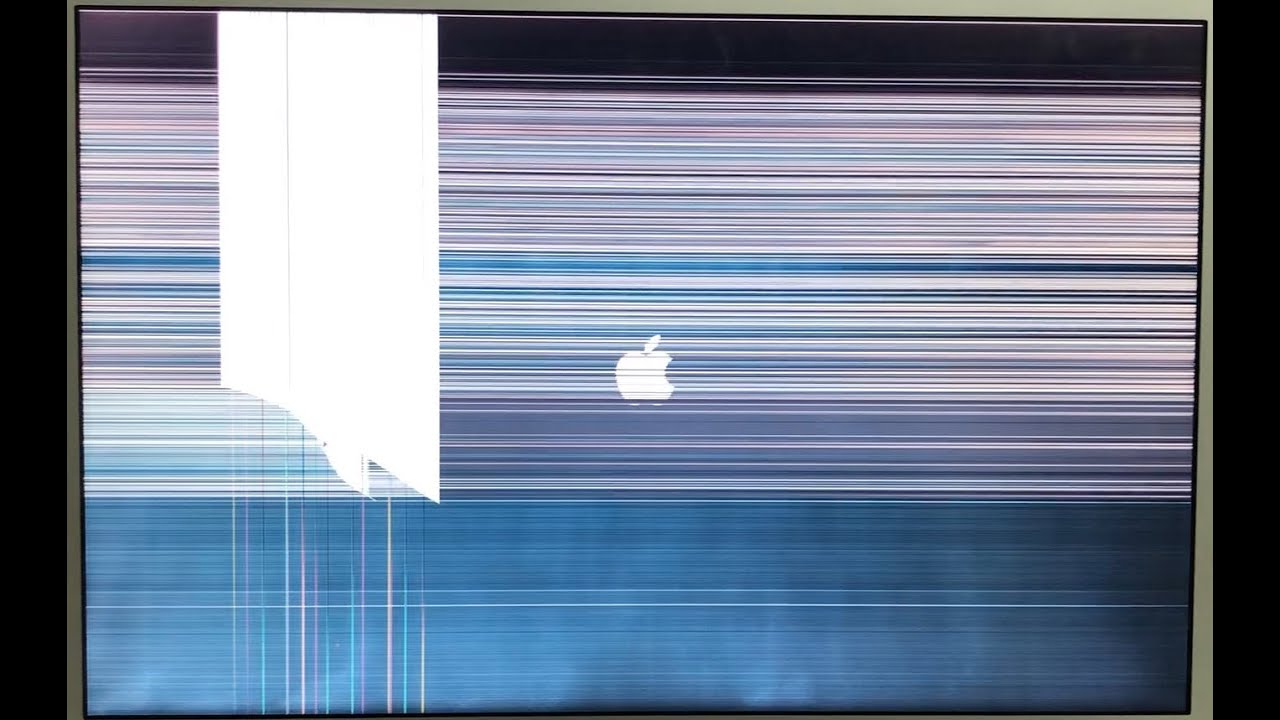
Display lines can seem catastrophic, but visual artifacts do not automatically mean your screen is ruined. Begin by verifying your system output on an external monitor to isolate motherboard GPU issues from physical panel faults. Test the display hinge through its full range of movement to check for flex cable wear, and inspect the screen glass under bright light to verify whether the inner substrate has suffered pressure damage. Knowing the mechanical difference between a cracked display and a worn ribbon cable gives you the leverage to avoid unnecessary assembly swaps and choose the most cost-effective path back to a working machine.
Lines on Your Macbook Screen? Why It Might Cost Less to Fix Than You Think
•
•
9 min read