Q1: Why does my game run in fast motion when I turn off VSync?
A1: Nintendo Switch games tie game logic, movement speeds, and physics clocks directly to frame presentation. When VSync is toggled off, Ryujinx renders frames without limits. If your PC pushes 120 FPS in a 60 FPS title, the entire simulation runs at double speed.
Q2: Can I unlock 120 FPS without speeding up the game?
A2: Only if a dedicated 120 FPS game mod exists for that specific title. Mods alter internal game tick calculations to detach visual rendering from physics updates. Without an engine mod, simply forcing an uncapped framerate fix will always accelerate movement.
Q3: Should I set my frame rate limiter to 59, 60, or 61 FPS?
A3: For standard G-Sync or FreeSync monitors, setting a limiter to 60 FPS inside RTSS or driver settings provides the most accurate timing. If you experience occasional tearing or buffer buildup on 60Hz non-VRR screens, setting it to 59.94 FPS aligns with the exact NTSC refresh rate used by many console engines.
Q4: Why does RTSS not hook into Ryujinx on Windows?
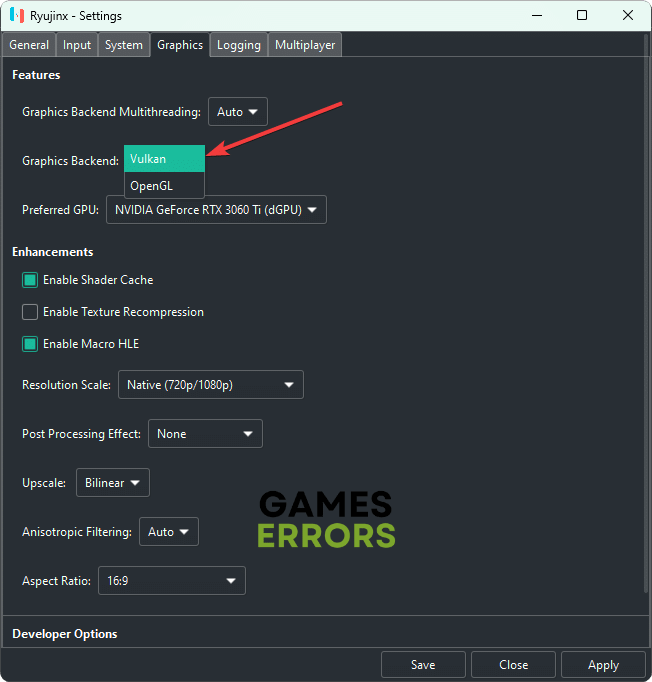
A4: If RTSS fails to detect Ryujinx, open RTSS, set the Application detection level to High, and ensure Ryujinx is running on the Vulkan backend. If an overlay blocker or antivirus software is active, run RTSS with administrator privileges.
Q5: Does capping frame rates lower system temperatures and power draw?
A5: Yes. Allowing an emulator to render unnecessary frames forces GPUs and CPUs to operate at maximum clock frequencies. Enforcing a strict 60 FPS cap keeps power draws low and prevents thermal throttling during extended sessions.

