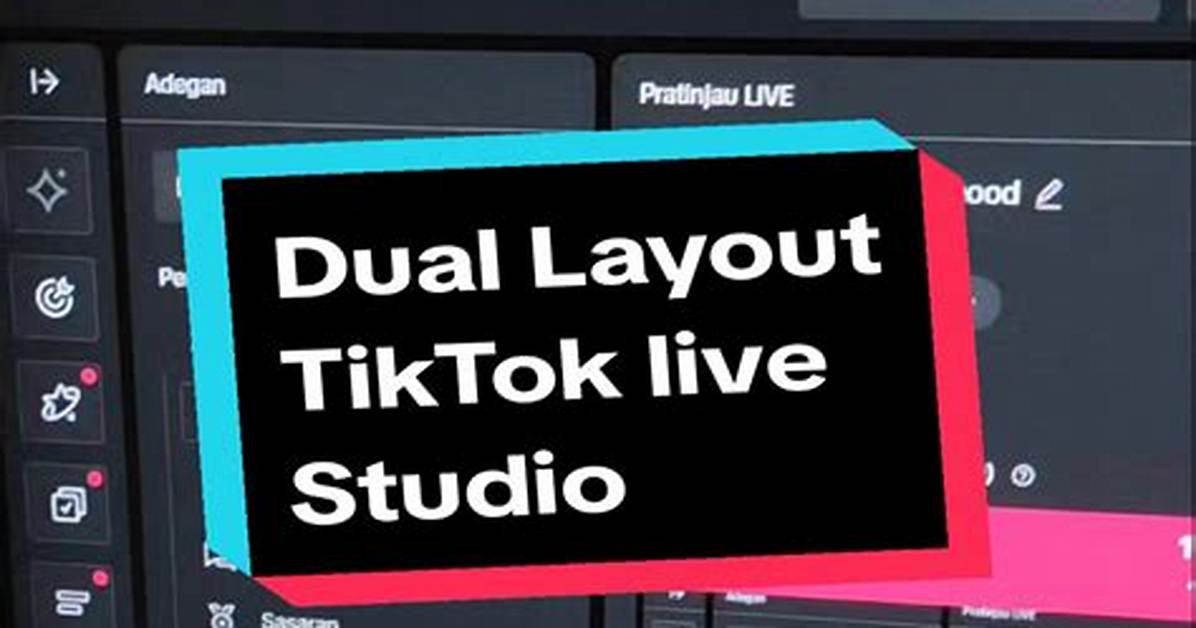
Q1: Can I run TikTok LIVE Studio on macOS?
A1: No. TikTok LIVE Studio remains a Windows-only application, natively compiled for Windows 10 and Windows 11 (64-bit systems). Mac users who want to stream to TikTok must use third-party tools like OBS Studio paired with an enterprise stream key, or deploy a dual-boot Windows environment like Boot Camp on older Intel machines. Virtualization tools like Parallels on Apple Silicon often introduce excessive GPU overhead and capture card latency.
Q2: Why does my stream randomly disconnect after 30 to 45 minutes?
A2: Mid-stream dropouts typically trace back to unstable upload speeds or network interface throttling. TikTok requires consistent upstream bandwidth without packet loss. If your local upload speed dips below 5 Mbps, the ingestion server terminates the socket connection. Always use a wired Ethernet connection rather than Wi-Fi, and disable aggressive real-time scanning inside third-party antivirus software, which can intercept and choke out outgoing media packets.
Q3: How many followers do I need to get an RTMP stream key without LIVE Studio?
A3: Standard personal and creator accounts generally do not receive manual RTMP stream keys, regardless of follower milestones. While access previously opened up at 1,000 followers, ByteDance now directs general creators to the LIVE Studio desktop app. Direct RTMP stream keys are primarily provisioned to verified business accounts, creators signed with authorized TikTok Live Agencies, or those utilizing official partner studio integrations.

